
Export WooCommerce Orders to CSV, JSON, and XML

Filter your orders by date or status, pick a format, and download a clean file. ArchiveMaster exports live and archived orders, custom fields included.

Step by step

How to Export WooCommerce Orders

Everything runs inside your WordPress dashboard. No external service, no upload.

  1. 1

    Open and filter

    Open ArchiveMaster, go to the Orders view, and filter by date range, day, or order status.

  2. 2

    Pick a format

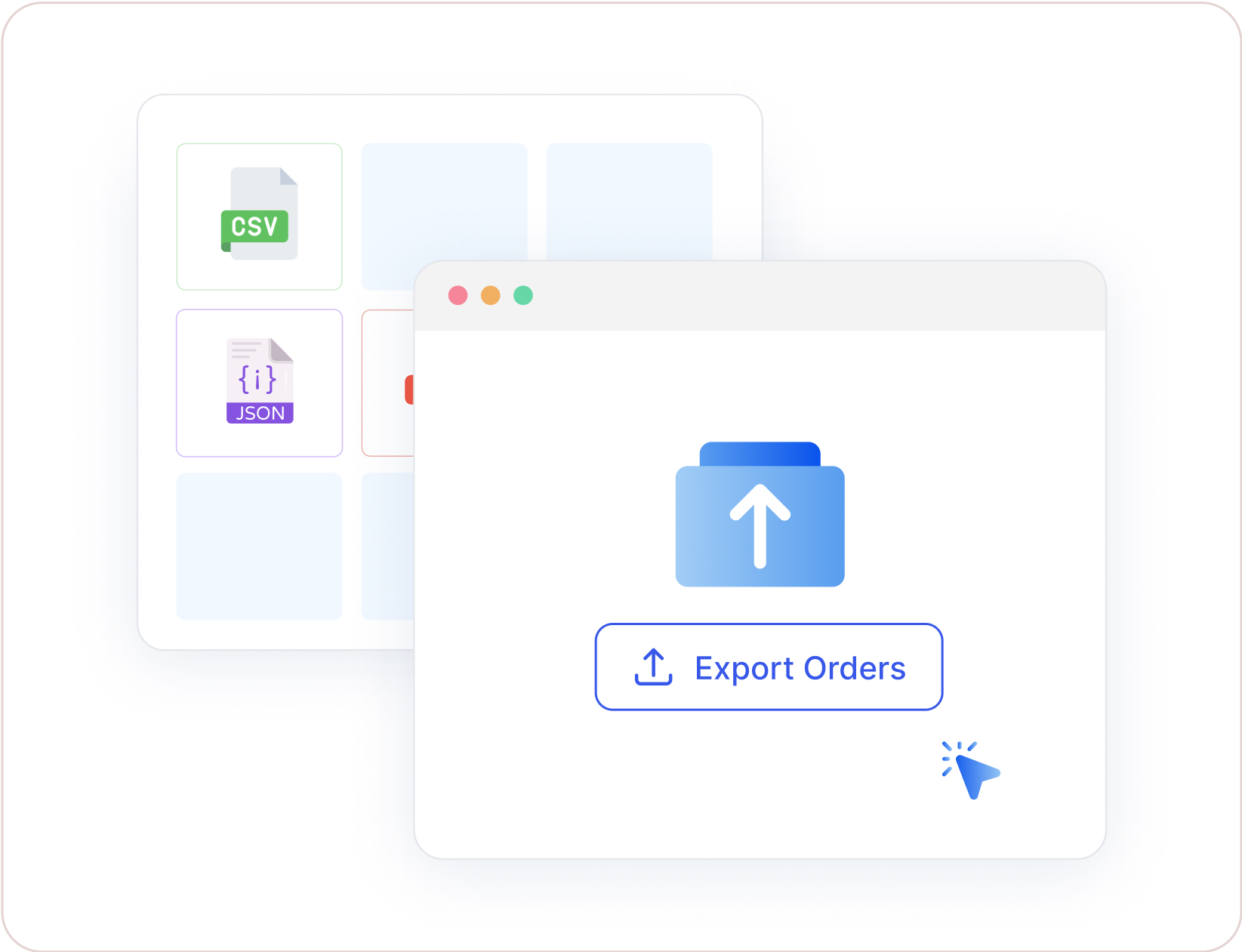
    Choose CSV, JSON, or XML, then select the fields to include, from totals to custom meta.

  3. 3

    Export the file

    Click Export. The file downloads, or lands in a connected remote storage location.

Export Live and Archived Orders Together

Most tools only export orders still in your live database. ArchiveMaster is a WooCommerce order archiving plugin first, so it exports live and archived orders together. Your year end export stays complete, with nothing to restore.

See how archiving works
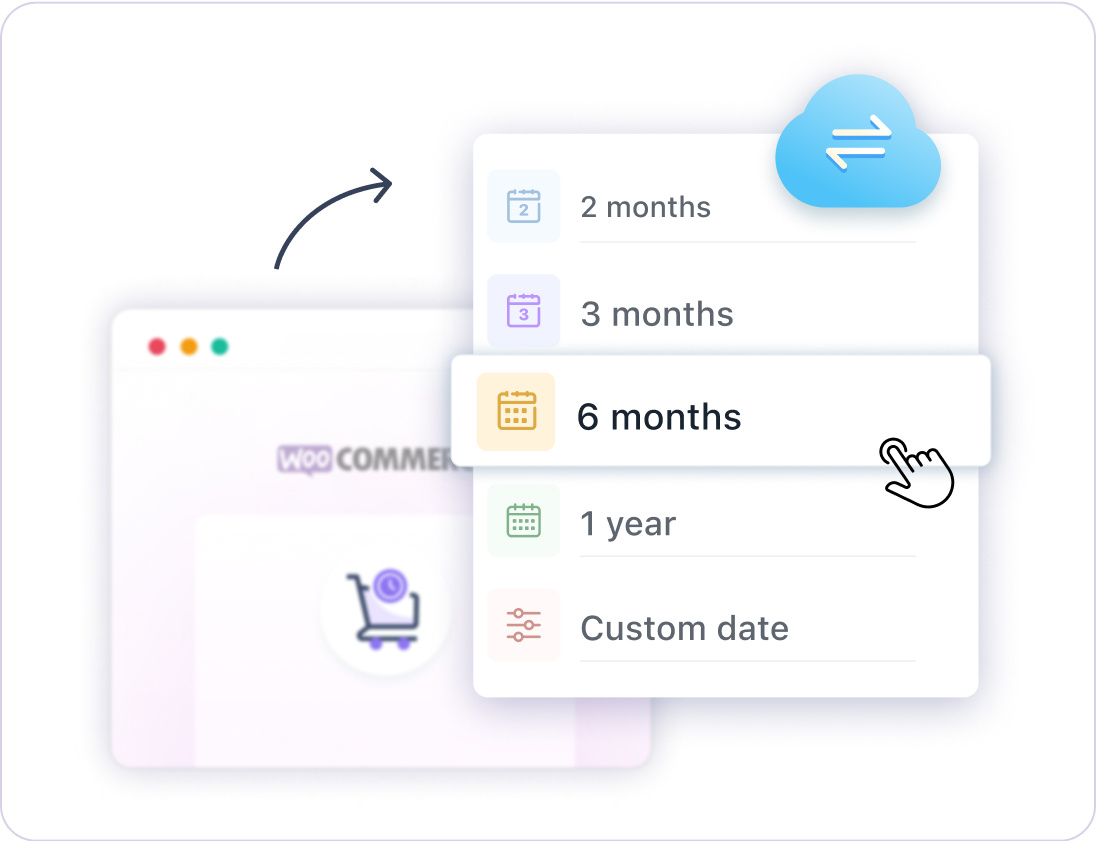
ArchiveMaster date filtering for live and archived WooCommerce orders

Custom Fields Included

Export the full WooCommerce order record, not a thin summary. ArchiveMaster includes custom order meta from your theme, checkout plugins, or code, plus line items, tax lines, and refunds.

Read the CSV export guide
ArchiveMaster exporting WooCommerce custom fields
Use cases

Built for Every Order Export Workflow

One filtered export, straight out of WooCommerce.

Accounting handoff

Give your bookkeeper a dated CSV of every completed and refunded order instead of screenshots.

Migration and backup

Keep a portable copy of historic orders before a replatform, host move, or major update.

Reporting in Excel

Pull totals, taxes, and line items into Excel or Google Sheets for the report WooCommerce does not build.

Frequently Asked Questions

Everything about exporting WooCommerce orders with ArchiveMaster.

How do I export WooCommerce orders?

Open the Orders view in ArchiveMaster, filter by date range or status, choose CSV, JSON, or XML, and click Export. The file downloads or goes to a connected remote storage location.

Can I export WooCommerce orders to Excel?

Yes. Export to CSV and open it directly in Microsoft Excel, Google Sheets, or Numbers. A direct XLSX and Google Sheets destination is on the roadmap.

Is there a limit on how many orders I can export?

No. There is no row cap and no monthly quota. Very large exports run in the background on the Pro plan so they do not time out.

Can I export custom fields and order metadata?

Yes. ArchiveMaster includes order meta added by your theme, checkout plugins, or custom code as extra columns or nested values.

Does export work with WooCommerce HPOS?

Yes. ArchiveMaster supports both High Performance Order Storage and legacy post based storage. Export behaves the same on either one.

Can ArchiveMaster import orders too?

No. ArchiveMaster exports and archives orders. It does not import orders into WooCommerce.

Is order export free?

The free version exports to CSV, JSON, and XML with filters and custom field support. Scheduled exports, large background jobs, and remote storage are part of the Pro plans on the pricing page.

Export Your First WooCommerce Order File Today

Install ArchiveMaster, filter your orders, and download a clean CSV, JSON, or XML file in minutes.

×