


Speed Up Your WooCommerce Store by Archiving Old Orders.

Archive old WooCommerce orders, optimize your WordPress database, and speed up your store effortlessly - no complex setup required.

Why Use ArchiveMaster?

Too many WooCommerce orders slowing you down? Move old orders to a remote database - clean up your WordPress database, speed up WooCommerce, and never lose access to your data.

New Orders Slow W o o C o m m e r c e 45% 0.5s

Your WooCommerce Store is Slowing Down as Orders and Database Bloat Pile Up

  • Decreased WooCommerce speed with thousands of accumulated orders

  • Slow customer interactions due to an overloaded database
  • No easy way to bulk delete old WooCommerce orders or archive them safely

Archive Old Orders & Clean Up Your WordPress Database to Speed Up WooCommerce

  • Archive old WooCommerce orders by date range or order status
  • Free up database resources with WordPress database optimization - built right in
  • Remove unused WordPress database tables and cut backup size by up to 55%
  • Manage, export, and restore archived data directly from the WordPress dashboard
Make Your Store Bloat-Free →
Fast W o o C o m m e r c e ArchiveMaster 90% 4.9s

How ArchiveMaster Works

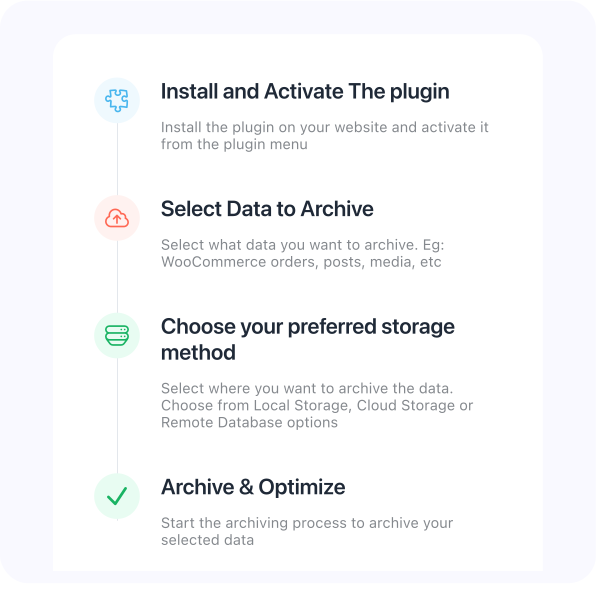
Set up the archive process in minutes. As a complete WordPress database optimization plugin, ArchiveMaster moves old WooCommerce orders to local SQLite storage or a remote database - automatically cleaning up your WordPress database, deleting unused database tables, and keeping your store fast without you lifting a finger.

Speed Up Your Store →
ArchiveMaster Plugin Features

Archive Old WooCommerce Orders & Manage Them with Ease

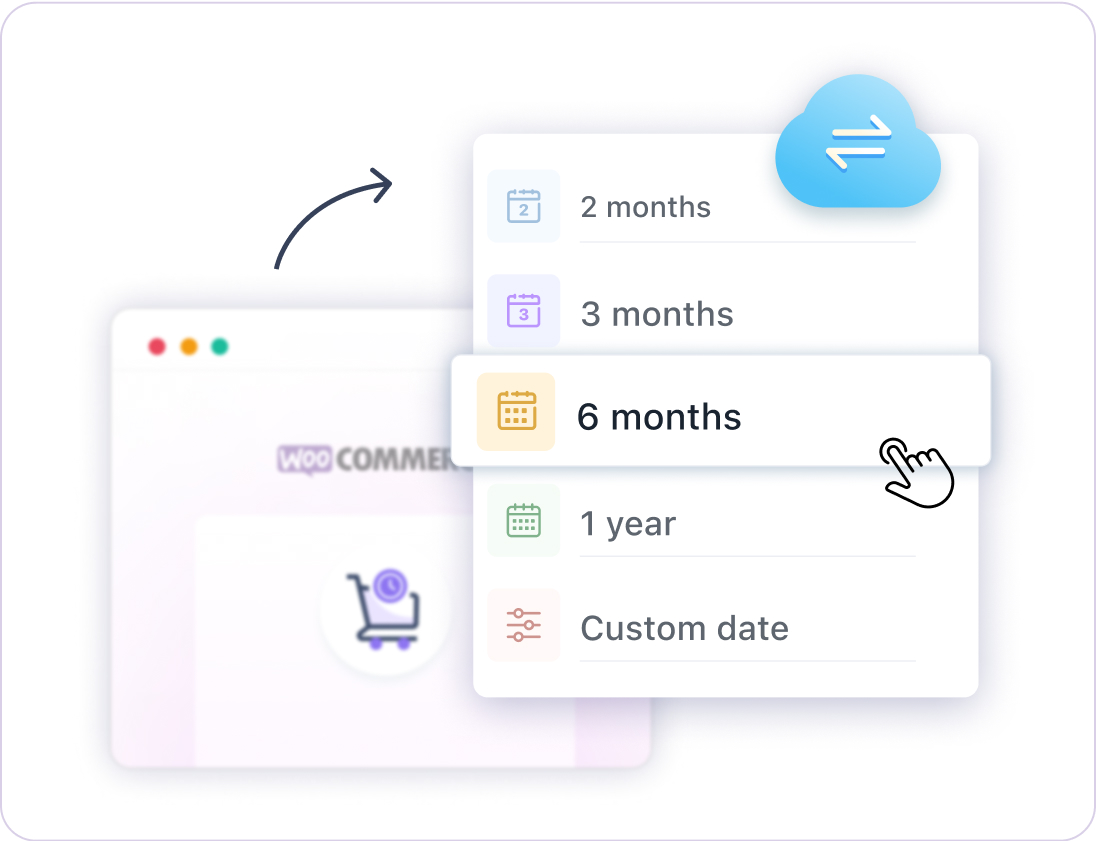
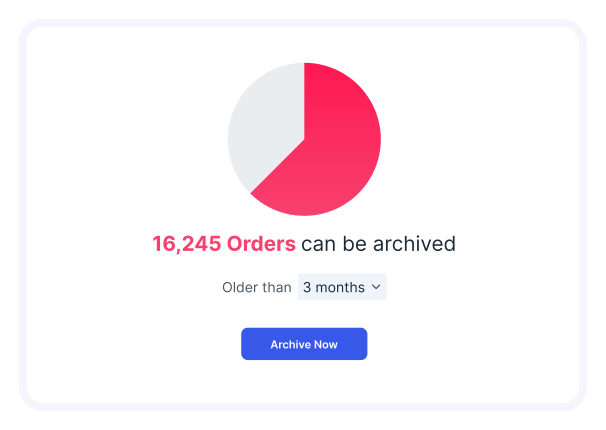
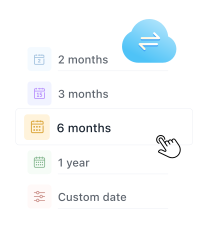
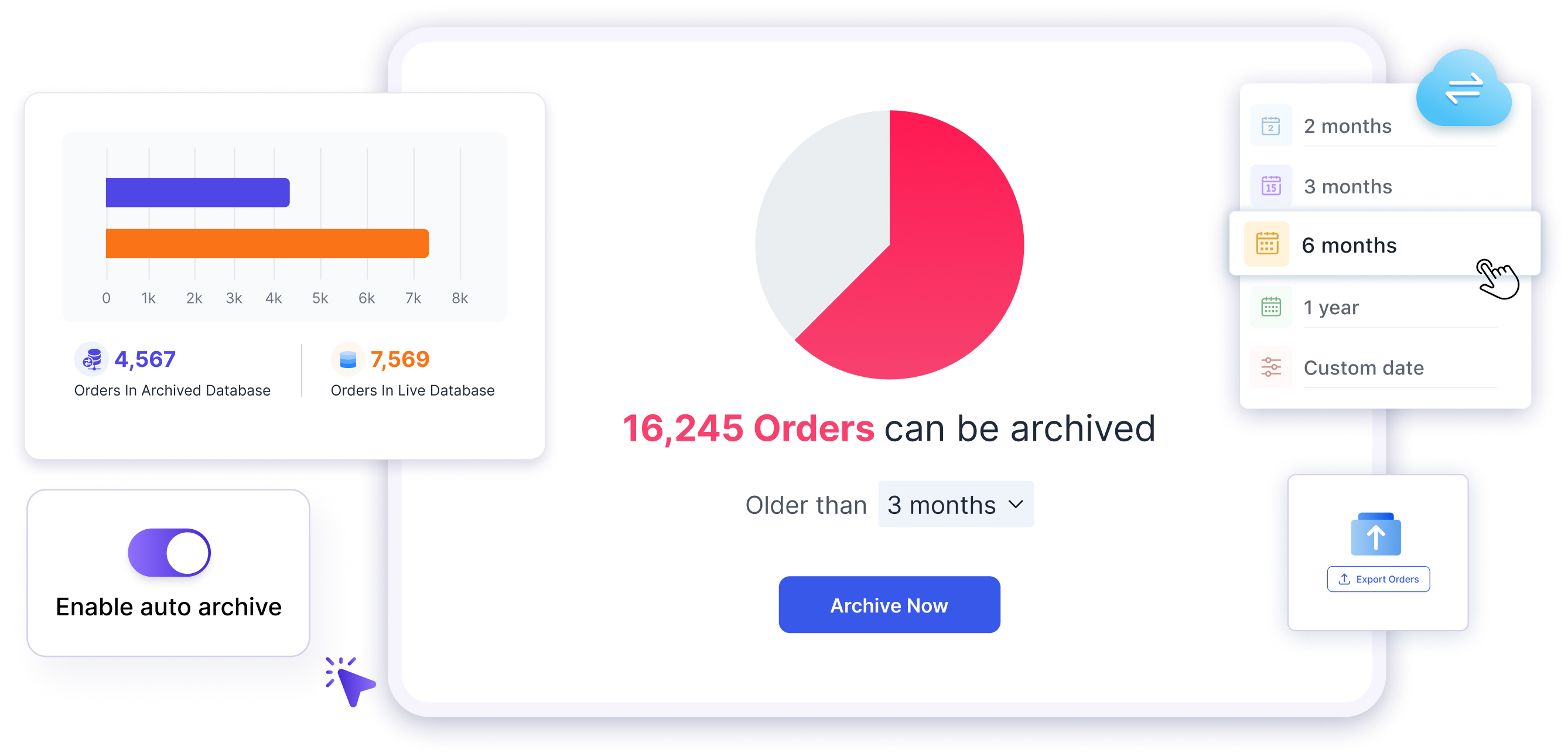
Archive WooCommerce orders from any selected date range - 7 days, 15 days, 1 month, or a fully custom range. Use the built-in WooCommerce order status manager to archive only the order statuses you choose. Old orders are securely moved to a remote database, helping you delete old WooCommerce orders without losing access to them, and giving your store an immediate speed boost.

Archive My Old Orders →

Archive instantly with hassle-Free WordPress Clean Database Plugin

Store your WooCommerce order data safely in a local SQLite file - right on your server. No external database needed. This is the easiest way to optimize your WordPress database and clean up WooCommerce without any technical setup.

Store It Locally, Keep It Clean →

Cloud & Remote Archiving - Optimize WP Database at Scale

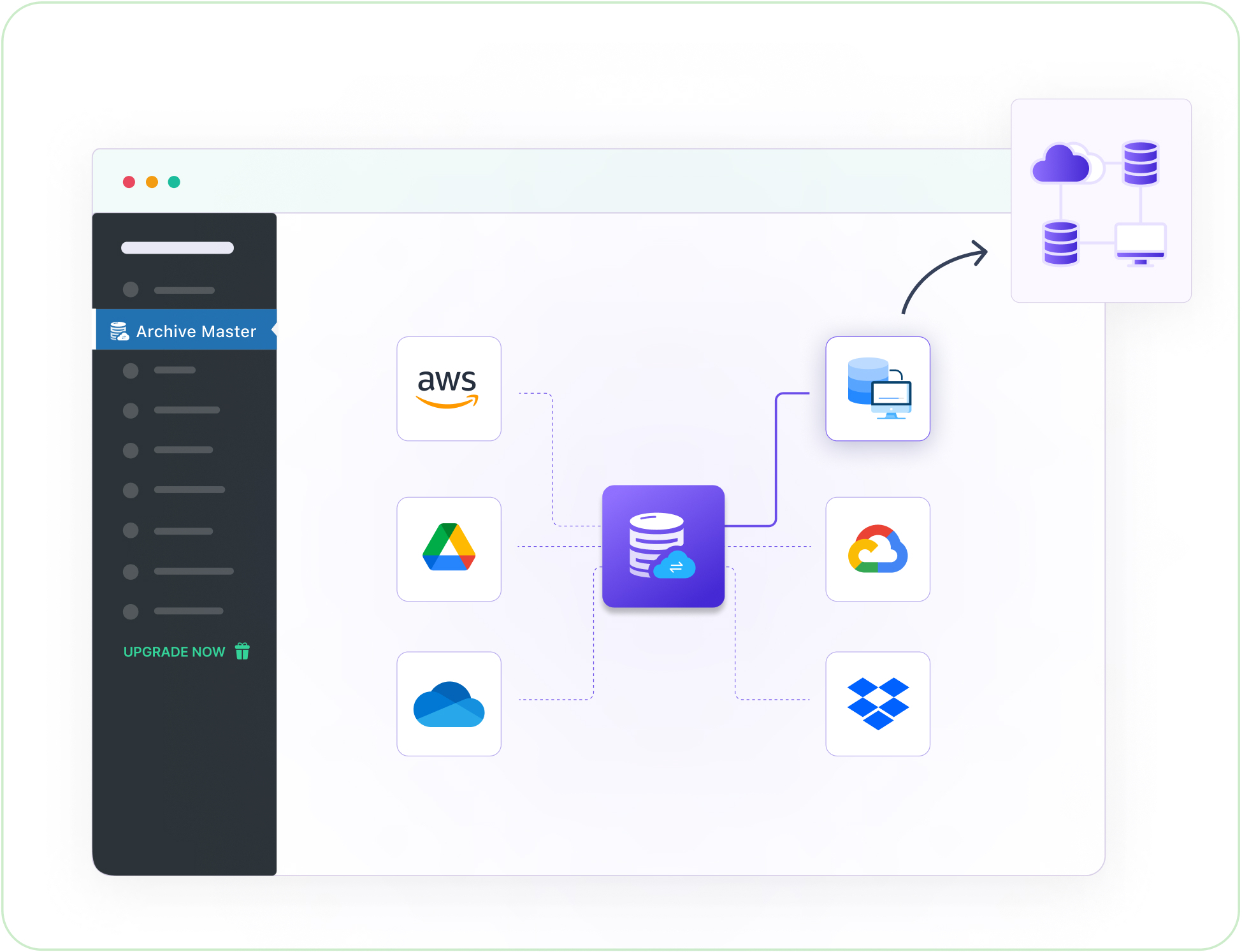
Need off-site storage for your archived WooCommerce orders? Connect to remote databases like Amazon RDS, or choose from upcoming integrations including Google Drive, Dropbox, Amazon S3, OneDrive, Microsoft Azure, Backblaze, Hetzner, etc. A powerful WordPress plugin to optimize your database - your way.

Archive to the Cloud →

Auto-Archive Orders and Keep Your WordPress Database Optimized Automatically

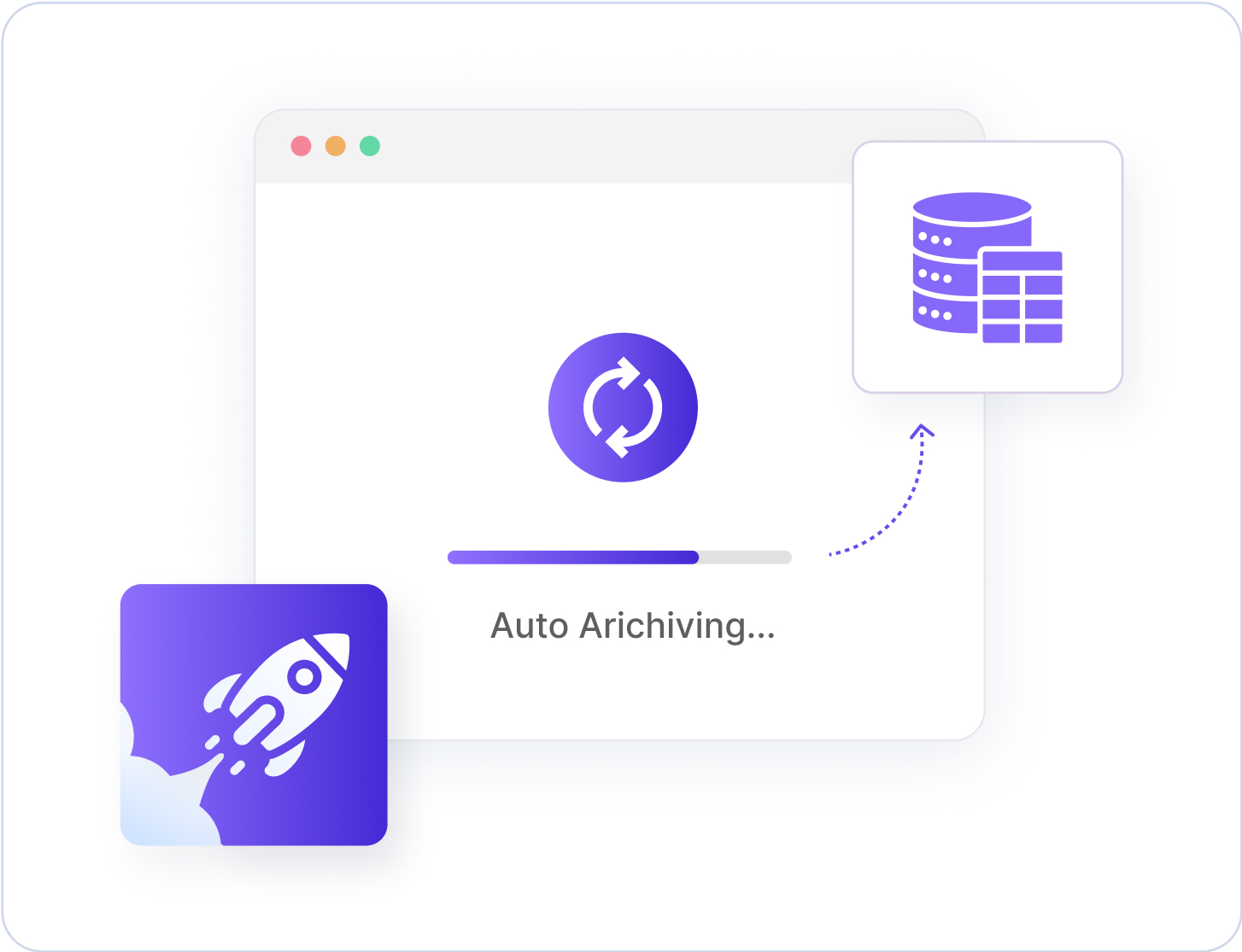
Enable scheduled auto-archiving and let ArchiveMaster handle your WooCommerce order management on autopilot. Choose intervals - 7 days, 1 month, 3 months, or more, and the plugin will automatically archive old orders, remove unused WordPress database tables, and keep your database clean at all times.

Put It on Autopilot →

View, Export & Unarchive WooCommerce Orders Anytime

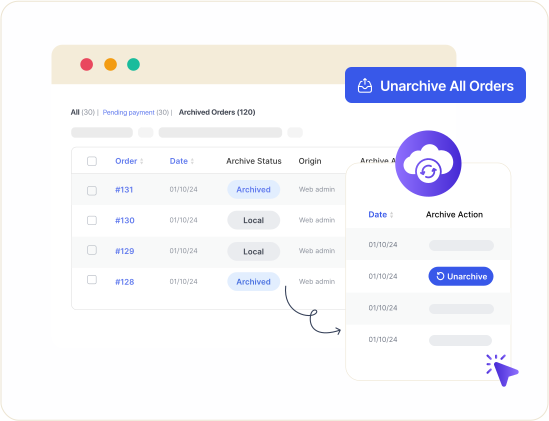
Even after archiving, you can view and manage all old WooCommerce orders from the Archive Orders page - including filtering by date, status, or customer. Need them back? Restore any archived orders to WooCommerce in one click using a smart, conflict-free unarchive process. Full WooCommerce order management, before and after archiving.

Export Your Orders Now →

Export WooCommerce Orders to CSV, Excel, JSON & XML

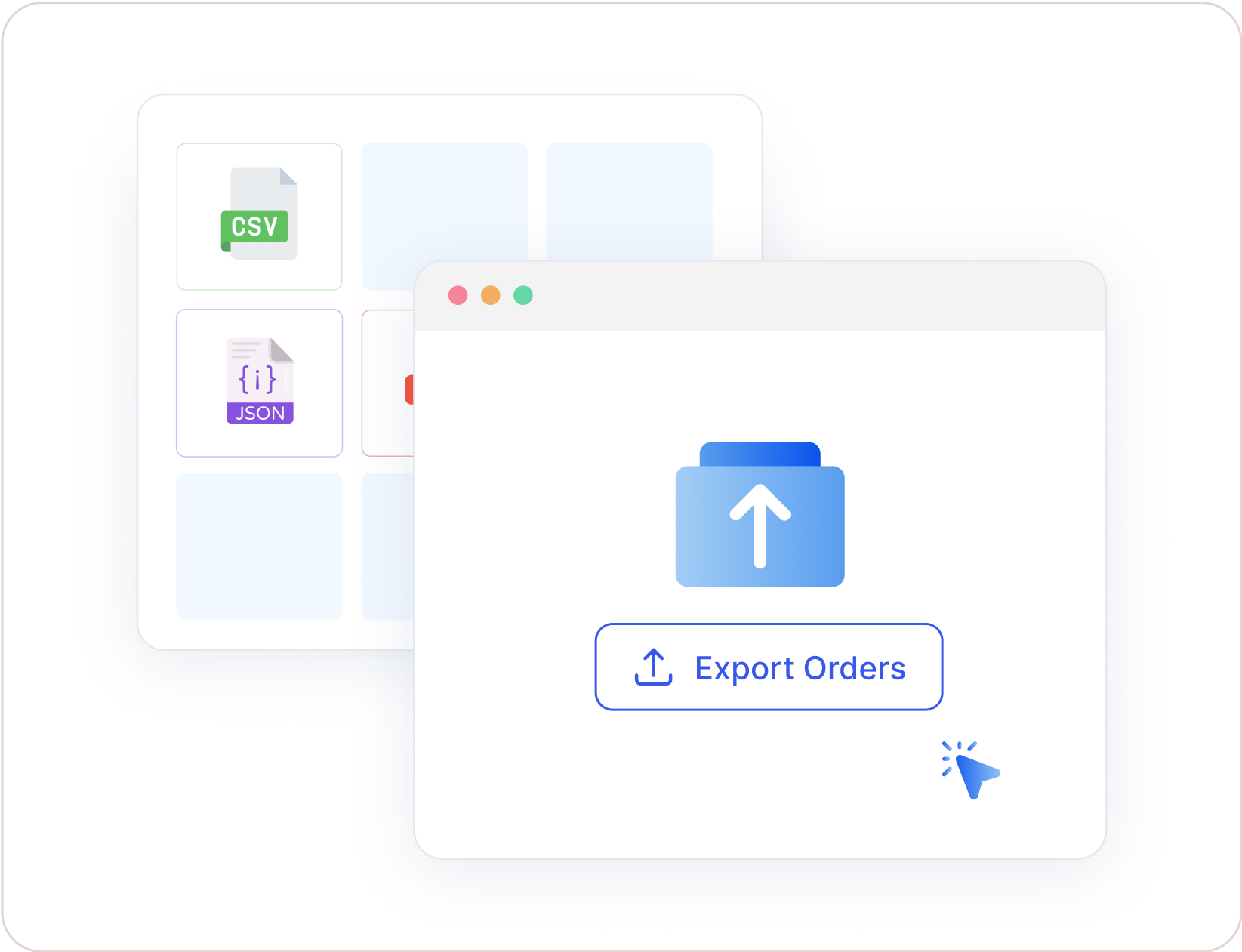
Generate a full WooCommerce order report export in seconds. Download or export WooCommerce orders to CSV, Excel (XLS), JSON, or XML - including orders with custom fields. Select a specific date range or export all archived orders at once. Whether you need to export WooCommerce orders and customers for accounting, compliance, or backup, ArchiveMaster has you covered.

Download My Order Reports →

Unique features you don’t want to miss

Smart Archive Management for Subscription/ Membership orders
Active subscription and membership orders are automatically excluded during WooCommerce order management archiving - so your payment systems never break.
WooCommerce Order Status Manager
Select exactly which WooCommerce order statuses to archive. Precision control over your WooCommerce order management. Archive only what you want, keep the rest active.
Archive Filters for WooCommerce Order Management
Filter archived WooCommerce orders by date, day, customer, or order status. Find exactly what you need instantly without slowing down your active order database.
Bulk Delete Old WooCommerce Orders Permanently
Permanently delete archived WooCommerce orders when you no longer need them. Bulk delete old orders in one action - complete data control, zero database bloat left behind.

Lightning-Fast WooCommerce Speed Optimization Results

Supercharge your store with lightning-fast WooCommerce order processing, optimized database performance, and blazing-fast order exports to CSV and Excel. Experience the power of a truly clean WordPress database.

20%

Faster WooCommerce Order Management

Experience up to 20% faster order page loading after archiving old orders. A cleaner database means a smoother admin workflow.

25%

Enhanced Search Performance

Find orders 25% quicker, boosting efficiency in busy stores

55%

WordPress Database Optimization

Reduce database backup size by 55%. ArchiveMaster is the WordPress database optimization plugin that removes unused tables and frees up server space automatically.

55%

Optimized WordPress Database Performance

Cut backup times by over 55%, ensuring faster, more reliable storage. Optimize your WP database without touching a line of code.

77%

Blazing-Fast WooCommerce Order Exports

Export WooCommerce orders to CSV or Excel up to 77% faster. Generate your WooCommerce order report export in seconds, not minutes.

Seamless Archive Storage Integrations

Why You Need This WooCommerce Speed Optimization Plugin

Set up the archive process in minutes. Move old WooCommerce orders to a local or remote database with the simplest WordPress database optimization plugin available.

Optimized WordPress Database, Faster WooCommerce Performance

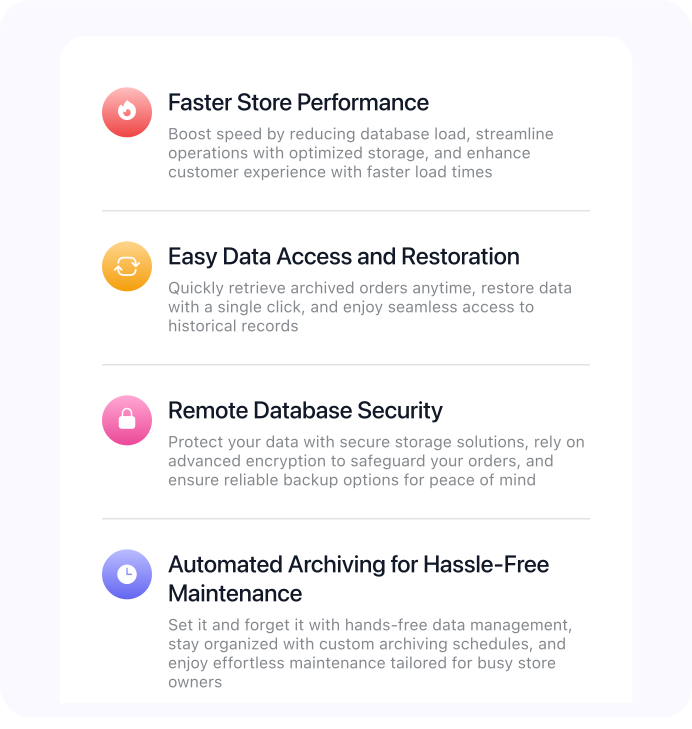
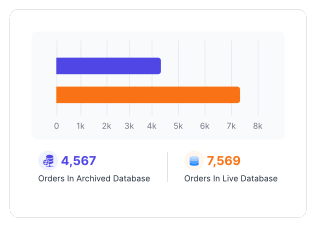
Archive WooCommerce orders by date range, status, or age. Orders are securely moved to a remote database - reducing your active database size, speeding up WooCommerce, and making every page of your admin panel noticeably faster.

Start Archiving Orders →

Don’t Just Take Our Word for It

Read ArchiveMaster reviews on WordPress.org

Outstanding Plugin For Data Archive

Archive Master has completely streamlined my WooCommerce order management. The intuitive interface lets me archive old orders with just a click-complete with visual insights-without any coding required. The result? A leaner database, faster site performance, and effortless access to order history. It’s made managing historical orders worry-free and efficient.

User
Reflecters

Amazing plugin, it speed up my website

The only WordPress archive plugin I’ve found that exports old WooCommerce orders to a remote database to keep the site fast and the database light! I’d been looking for an easy solution like this for a long time, and finally, Archive Master does the job perfectly. It worked like a charm right from the first use. Now, my store feels so much cleaner and way more lightweight. Highly recommended if you’re running a WooCommerce store that’s a few years old and piling up thousands of unnecessary orders! Thanks team for the archive plugin.

User
raselahmed7

So helpful for my WooCommerce store

I used to spend hours trying to keep my store organized, but this tool made everything stress-free. I can now sort and keep older records neatly without messing up my live sales. My store runs smoother, and I don’t feel stuck dealing with a heavy system anymore. It’s simple, quick, and really makes online selling easier.

User
webcraft99

For WooCommerce sites that run simple, fast, and clutter-free

Join Fast-Running Stores →

Pricing

Choose the right plan for you

Just one step away to turn your WooCommerce into a speed machine. ⚡

30-day money-back guarantee on all plans

For your own website

Personal · 2-Year

1 site

$98

$89 / 2 years
You save $9 vs paying annually
  • Premium 24/7 support
  • 2-year updates locked in
  • Early access to new features
  • Feature request priority
  • 1:1 onboarding call
Get 2 years · $89

30-day money-back guarantee

For your own website

Personal · Annual

1 site
$49 / year

  • Premium 24/7 support
  • 1-year updates included
Buy annual · $49/yr

30-day money-back guarantee

All plans include

  • Archiving to remote database (Amazon RDS)
  • Archiving to local SQLite storage
  • Export archived orders (CSV, XML, JSON)
  • Unarchive & restore orders
  • Custom date selection for archiving
  • Scheduled auto-archiving
  • Bulk unarchive functionality
  • Order status-based archiving & exporting
  • Select orders to archive by age
  • Archive orders to Google Drive
  • Display archived orders to customers
  • Premium 24/7 support

Trusted by creators worldwide

Confidence, Built In. 35,000+ creators can’t be wrong.

35,000+
Creators worldwide trust us to power their websites.
Risk-Free 30
Zero risk. Love it or get your money back within 30 days.
5-Star Love
Rated 5/5 by happy users on Trustpilot. Mom's proud too.
100% Secure
GDPR-friendly, Stripe-secured, even your cat approves.

Frequently Asked Questions

What is ArchiveMaster, and how does it archive data?

ArchiveMaster is a WooCommerce order management plugin that lets you archive old orders from your WordPress database. Select any date range - 7 days, 15 days, 1 month, or custom, and the plugin moves those orders to a separate local or remote storage. This is the most straightforward way to clean up your WordPress database and speed up WooCommerce without losing access to your order history. Your main database stays lean, fast, and optimized.

I want a refund for my purchase of the plugin. What is the procedure?

We have a 30-day refund policy. Please email us at [email protected] explaining why you would like to get a refund.

What types of data can ArchiveMaster archive?

Currently, ArchiveMaster supports archiving WooCommerce order data. You can archive orders by date range, age, or order status, and use bulk delete to remove old WooCommerce orders permanently when no longer needed. In future updates, we plan to extend archiving to other WordPress post types including custom post types, media files, and more - making it the most complete WordPress clean database plugin for WooCommerce store owners.

How does it optimize my WooCommerce store?

ArchiveMaster is a WooCommerce speed optimization plugin that optimizes your WordPress store by archiving old orders and removing unused database tables. By moving orders to local or remote storage, it minimizes database size, making your store faster and more efficient. Store owners typically see up to 20% faster order page loading, 25% faster WooCommerce order search, and 77% faster order exports to CSV and Excel. This results in a smoother experience for your customers and a cleaner backend for you.

What is the difference between the local storage and remote archiving options?

Local Storage (SQLite): Archive WooCommerce orders into a SQLite file stored directly on your server. This is the simplest way to optimize your WordPress database - no external services, no configuration, zero friction. It's ideal for store owners who want to clean up WordPress database bloat without cloud storage. Remote Storage (Amazon RDS, Google Drive, etc.): Archive orders to a remote database or cloud storage platform. Ideal for stores that want off-site backups, extra security, or multi-site scalability. Upcoming integrations include Google Drive, Dropbox, S3, OneDrive, Azure, and more.

Which remote and cloud storage options are available currently?

ArchiveMaster currently supports archiving to remote services like Amazon RDS, and future updates will allow integration with cloud storage platforms such as Google Sheets, OneDrive, Dropbox, Amazon S3, Microsoft Azure, Backblaze, and Hetzner. This gives you multiple options for archiving your WooCommerce data securely and efficiently across various platforms

Can I restore archived data with ArchiveMaster?

Yes, ArchiveMaster allows you to restore archived data with a simple one-click restoration process. This feature is available for both local and remote archives, ensuring that you can easily retrieve any archived orders or data when needed.

Can ArchiveMaster automatically archive my orders?

Yes, ArchiveMaster supports automatic archiving. You can enable auto-archive, which will automatically archive orders based on your selected schedule (e.g., daily, weekly, monthly). This feature ensures that your store’s database stays optimized without manual intervention.

Can I download or export the orders?

Yes! ArchiveMaster lets you export WooCommerce orders to CSV, JSON, XML, and Excel (XLS). You can export WooCommerce orders with custom fields, select a specific order range, and generate a WooCommerce order report export in seconds. Need to export WooCommerce orders and customers together? Select the full date range and download in your chosen format. PDF and HTML export support is also planned for a future update.

Don’t Let Old Orders & Database Bloat Slow Down Your WooCommerce Store!

Archive old orders, keep your active database lean, and give customers the faster checkout experience they expect.

Stop the Bloat. Start Archiving. →
×